CRM implementation & development · Digital Unity

A CRM that connects sales with the rest of your company.

Fewer lost agreements. Smoother handovers. Data you can base decisions on.

I help you organise customer work and connect your CRM with the tools your team already uses. So that after a sales call everyone knows not only what was sold, but also who does what next.

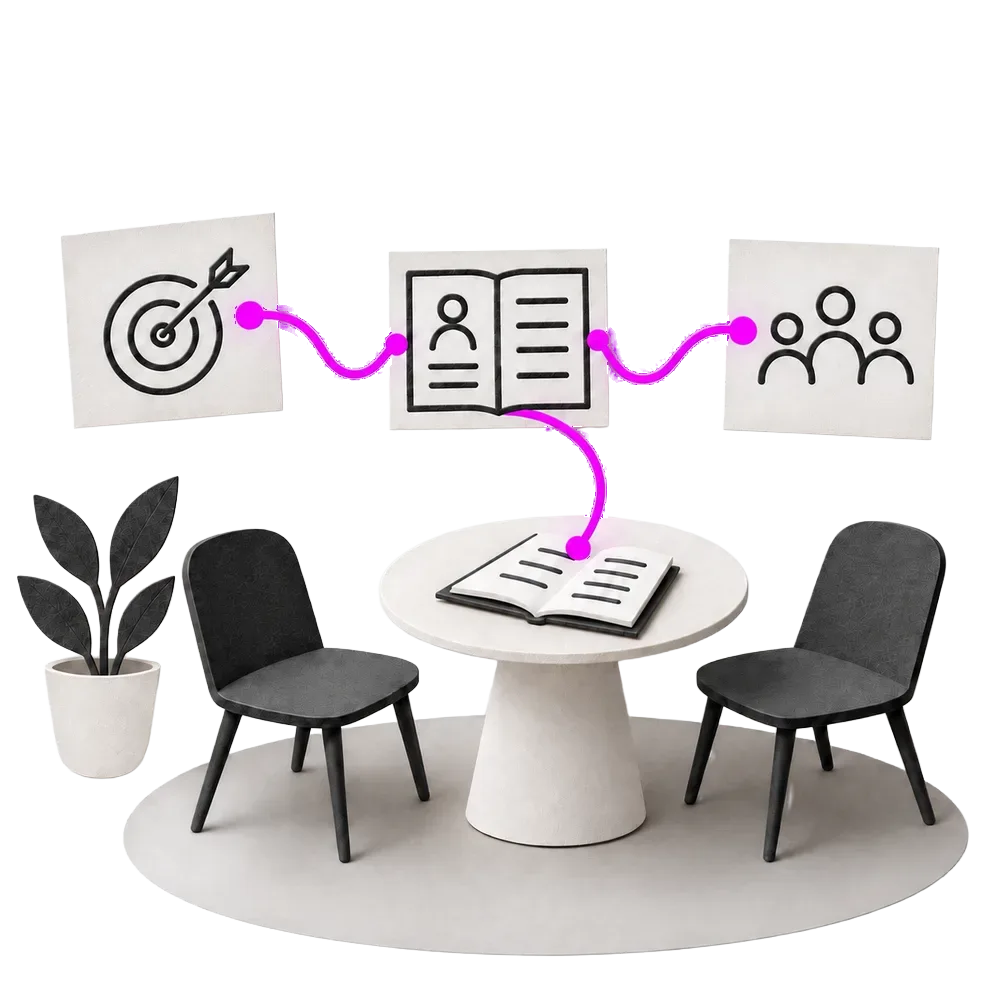
Light illustration: cards for a sales goal, customer data and a team, linked by a purple line to a document on a table.

More attention for customers

Agreements and follow-ups no longer live only in a salesperson's memory.

Smoother delivery

Whoever takes over the order knows what was promised to the customer.

A fuller picture of the business

You see stages, delays and missing information — not just a list of contacts.

Specific change → benefit

What I change. What your company gains.

It is not about more fields to fill in. It is about information that helps people get the job done.

What I do

I bring order to sales work

I define stages, responsibilities and how the next customer contact gets recorded.

What you get

Fewer leads left without follow-up

It is clear who to get back to, when and with what proposal. Stalled offers are easier to spot.

What I do

I connect sales with delivery

I design the order handover: scope, deadline, agreements and the person responsible.

What you get

Fewer repeated questions

Delivery, installation or the service team can start work without digging through emails for agreements.

What I do

I organise data for invoicing

I define how sales, amounts and deposits are passed to accounting, and how payment status links back to the customer case.

What you get

Orders and invoices are easier to match

You know what was sold and for how much. Invoice data no longer requires reconstructing the history.

What I do

I automate repetitive tasks

Reminders, tasks and data transfers are matched to how the work actually flows.

What you get

Less manual retyping

The team can spend more time with customers. Missing data or a delayed step is easier to notice.

Example · one order, four stages

Agreements travel with the case.

A company sells a product. The information does not stop once the order is signed — every stage sees what was agreed earlier.

  • 01 · Sales

    What was promised?

    • product
    • price and scope
    • deadline
  • 02 · Delivery / installation

    What needs doing?

    • location
    • who is responsible
    • order status
  • 03 · Accounting

    What to invoice?

    • invoice details
    • deposit
    • payment
  • 04 · Service

    What do we already know?

    • product history
    • agreements
    • requests

A change of deadline or scope goes back to the right case. Everyone sees what they need, according to their permissions. A CRM does not replace accounting; connecting tools depends on what those systems expose.

Starting point

You don't always need a new CRM.

You have a system, but it doesn't help?

I check whether the problem lies in the data, the configuration, the way of working or the connections between tools. First I assess what can be improved in the current solution.

Still choosing a CRM?

I start with the needs of the company and the people who will use it. Only then do I select the solution and the scope of implementation.

How we work together

From a specific problem to a working solution.

01

We check where work gets stuck

We walk through a real customer case: who does what, where the data comes from and what is missing.

02

We agree what should improve

We pick a priority, a scope and a way to measure the result. No expanding the system without a reason.

03

We implement and test with the team

We configure what is needed and test the whole workflow, not just whether the forms are correct.

04

We assess the effect in daily work

For example: time to prepare an offer, to hand over an order, or the number of cases without a next step.

Selected work

Solutions I can show you.

Examples from my portfolio: organising a process, connecting tools and preparing data.

CRM connected to a project tool

Data architecture, statuses and handover of cases from sales to implementation, plus team permissions.

CRM data available where the team works

A custom module showing the company, sales opportunity, locations, contacts, quotes and attachments inside the project tool.

Cleaning up data before a migration

Audit of a facilities database, field mapping, a ROOT/BRANCH structure and duplicate analysis before a controlled import.

See CRM and data case studies
Before we talk

Frequently asked questions

Does the CRM have to cover the whole company at once?

No. You can start with one important flow, e.g. handing over an order from sales to delivery. The further scope is agreed based on needs and the result of the first stage.

Do I have to replace my current system?

I don't assume that up front. First I check whether the current solution can be adapted to how the company works.

Can the CRM be connected to accounting or other tools?

It depends on the available connections, permissions and the data needed. Before agreeing the scope, we check what the specific systems support.

How long does it take and what does it cost?

It depends on the scope, the state of the data and the connections needed. Once the problem is understood, we agree the stage of work, the acceptance criteria and the price.

Let's start with your company

What slows down your customer work the most today?

Describe one example: a lost offer, an incomplete order handover, or data you keep having to look for. You don't need to know which system to choose.